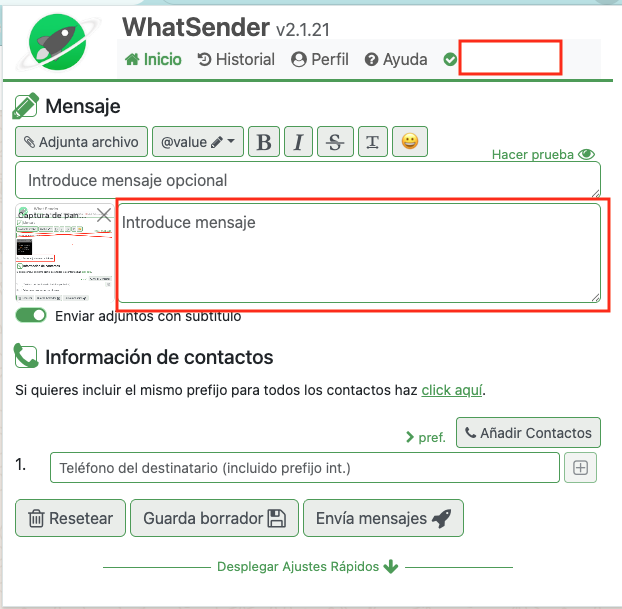
To send an image with text, we have an option called Send attachments as captions. To enable it, follow these steps:
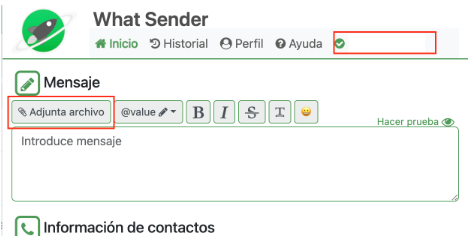
Step 1: Click on Attach file. Always check that your number is green (top right corner), as this means Whatsender is correctly linked to WhatsApp Web.
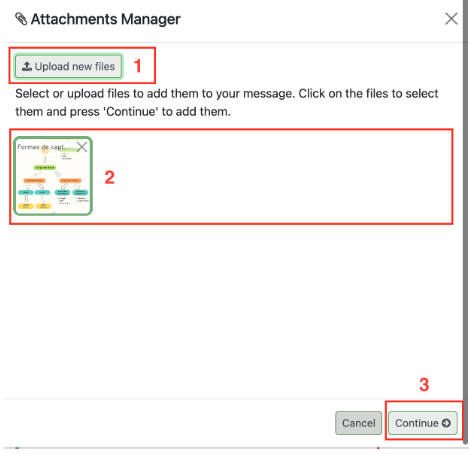
Step 2: Select the files you want to attach.
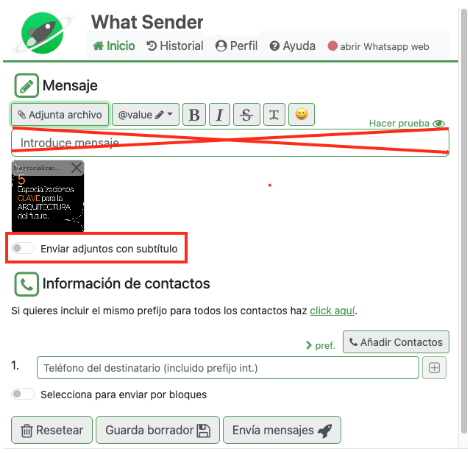
Step 3: Select the option Send attachments as captions. (You must not write anything in the text field; it is crossed out in red.)
Step 4: Write the text you want to accompany the image. Always make sure your number has the green check before sending.